General Description
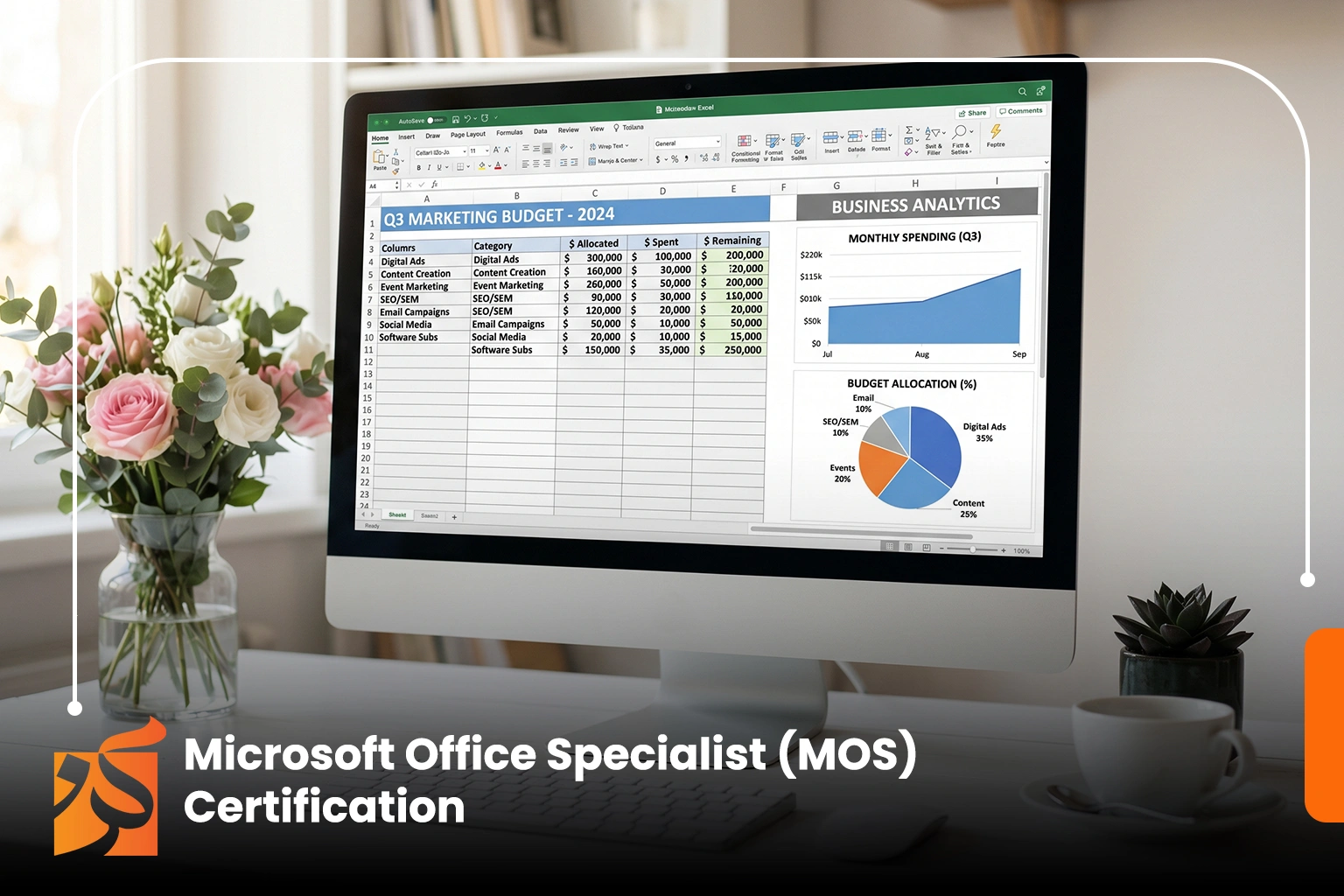
It is a certificate that gives its holders a strong knowledge base and advanced applied skills to master Microsoft Office tools and improve their professional performance, and the program contributes to developing the trainees' technical skills to increase productivity and meet the necessary professional requirements
The Goals
The Microsoft Office Specialist (MOS) certification program aims to qualify participants to use Microsoft Office applications professionally, enhancing their technical efficiency and productivity across various work environments.
The program includes the following objectives:
-
Mastering the use of core and advanced Microsoft Office programs.
-
Developing skills in professionally preparing and formatting documents using Word.
-
Improving the ability to analyze data and create spreadsheets using Excel.
-
Preparing professional presentations using PowerPoint.
-
Increasing efficiency in using office tools to complete daily tasks.
-
Enhancing organization and time management skills using Office applications.
-
Increasing productivity and improving work quality within the professional environment.
-
Developing technical skills in alignment with labor market requirements.
-
Qualifying to successfully pass the Microsoft MOS certification exam.
Ultimately, the program aims to empower trainees to use Office tools with high efficiency that supports their career paths.
Target Auidence
The Microsoft Office Specialist (MOS) certification program targets a wide range of individuals looking to develop their technical skills and increase their proficiency in using Office applications. The most prominent target groups are:
-
Fresh graduates from various disciplines.
-
Students at different educational levels.
-
Employees in administrative, financial, and marketing sectors.
-
Job seekers wishing to enhance their opportunities in the labor market.
-
Entrepreneurs and small business owners.
-
Workers who need to use Microsoft Office programs on a daily basis.
-
Anyone wishing to improve their digital skills and increase their productivity at work.
The program is suitable for both beginners and experienced individuals, as it helps raise efficiency in using Office tools in a practical and professional manner.
The Features
The Microsoft Office Specialist (MOS) certification program offers a range of features that help participants develop their digital skills and increase their efficiency in the workplace. The most prominent of these features include:
-
Professional training on all essential Microsoft Office applications.
-
Development of practical skills in Word, Excel, and PowerPoint.
-
Improving the speed and accuracy of completing daily office tasks.
-
Acquiring data analysis and professional reporting skills.
-
Developing the ability to create impactful and engaging presentations.
-
Increasing productivity and organizing work using Office tools.
-
Practical training content focused on the actual application of skills.
-
Enhancing employment and promotion opportunities in administrative roles.
-
Qualifying trainees to pass the accredited Microsoft MOS certification.
-
Suitable for beginners as well as users seeking professionalism.
This program provides you with a strong opportunity to master Office tools professionally to support your career path.
Topics
The Microsoft Office Specialist (MOS) certification program covers a range of core tracks designed to empower participants to use Office applications efficiently and professionally in the workplace, including:
-
Introduction to Microsoft Office and its importance in the business environment.
-
Fundamentals of using Microsoft Word for creating and formatting documents.
-
Preparing professional reports and documents using Word.
-
Using Excel for data entry and table creation.
-
Applying essential functions and formulas in Excel.
-
Data analysis and creating charts and reports.
-
Preparing professional presentations using PowerPoint.
-
Designing slides and formatting visual content attractively.
-
Improving productivity using various Office tools.
-
File organization and professional data management.
-
Practical applications on real-world office tasks.
These tracks are designed to qualify trainees to use Microsoft Office programs with high efficiency across various fields of work.
Learning outcomes
By the end of the Microsoft Office Specialist (MOS) Certification program, participants will be able to:
-
Use Microsoft Office applications efficiently and professionally.
-
Prepare and format documents at an advanced level using Microsoft Word.
-
Enter and analyze data, and create tables and reports using Excel.
-
Use functions and formulas to perform calculations and data analysis.
-
Design professional presentations using PowerPoint.
-
Organize and manage files and data effectively.
-
Increase productivity in completing daily office tasks.
-
Handle Office tools in a professional work environment practically.
-
Improve presentation and communication skills through slide presentations.
-
Prepare successfully to pass the accredited Microsoft MOS certification.
Ultimately, the program aims to empower trainees to master Office tools in a way that supports their professional competence and enhances their opportunities in the labor market.
Requirements And Conditions
Microsoft Office Specialist (MOS) Certification Program
No advanced prior experience is required to enroll in the Microsoft Office Specialist (MOS) certification program, as it is designed to suit various levels. However, certain basic requirements are preferred to ensure maximum benefit, including:
-
A desire to learn and use Microsoft Office programs professionally.
-
Basic knowledge of computer usage and operating systems.
-
The ability to manage files and software in general.
-
Readiness to learn and engage in practical application of office applications.
-
Commitment to attending the training program and participating in activities.
-
Previous basic usage of Office programs is preferred (optional).
The program is suitable for beginners, as it starts from the basics and progresses to a professional level in using Microsoft Office tools.
FAQs
The Blog
In today's business world, technical skills are no longer just an addition to a resume; they have become an indispensable, core element in almost every job. Among the most important of these skills is the ability to use Microsoft Office tools, which are the most widely used software in organizations worldwide.
Whether you work in administration, finance, or even marketing, mastering these tools has become a prerequisite for completing tasks with efficiency, speed, and accuracy.
Office Tools… The Language of Modern Office Work
Microsoft Office programs have become the "common language" within the workplace. They are relied upon for preparing reports, analyzing data, creating presentations, and organizing documents.
This widespread reliance has made these tools a fundamental skill for anyone wishing to enter the labor market or advance their career path, regardless of their specialization.
How Has Technology Changed the Shape of Office Work?
Before the digital revolution, office tasks relied heavily on manual methods, which took longer and increased the likelihood of errors. Today, Office tools have contributed to accelerating task completion and significantly improving accuracy.
An employee can now prepare complex reports in a short time, analyze large amounts of data easily, and create professional presentations that reflect the quality of their work.
Why Are These Skills Essential in the Job Market?
In the modern job market, companies look for employees capable of handling digital tools efficiently. Mastering Office programs gives a job applicant a strong competitive edge because it reflects their ability to:
-
Organize work professionally.
-
Handle data and information accurately.
-
Complete tasks with speed and efficiency.
-
Communicate effectively within the work environment.
Therefore, these skills have become basic requirements in most job roles.
The Role of Digital Skills in Developing Job Performance
Mastering Office tools does not only help in securing a job but also contributes to improving performance within the workplace. An employee who is proficient in using these tools is better able to organize their time, analyze data, and make decisions based on accurate information.
Furthermore, these skills help reduce errors and improve the overall quality of work.
Challenges Faced by Those Not Proficient in These Skills
Individuals who lack sufficient skills in using Office programs may face several challenges, such as:
-
Slowness in completing daily tasks.
-
Difficulty in handling reports and data.
-
Weak ability to compete in the job market.
-
Over-reliance on others for technical tasks.
This makes learning these skills a necessity rather than an option.
The Future of Office Skills in the Era of Digital Transformation
As digital transformation continues across various sectors, the importance of office skills is expected to grow even further. Even with the emergence of new tools and technologies, Office programs will remain a core part of the daily work environment.
Additionally, the continuous evolution of these tools makes learning them a long-term investment in one's professional future.
Mastering Microsoft Office tools is no longer just an additional skill; it has become a vital foundation for success in the modern job market. These tools help improve productivity, develop performance, and increase employment opportunities across various fields.
Therefore, investing in learning these skills today is a smart step toward a more stable and successful professional future.